Curated prompt library
Browse hand-picked GPT Image 2 prompts with clear composition, lighting direction, styling cues, and a stronger visual starting point.
Explore GPT Image 2 prompts for portraits, product shots, posters, characters, and cinematic scenes.
Find strong starting points, learn what makes them work, and turn ideas into images faster.
Discover a curated collection of high-quality prompts optimized for GPT Image 2.
Strong results usually start with strong structure. Instead of guessing every line, creators can start from proven prompts, adapt them to the brief, and spend more time refining the final image.
Browse hand-picked GPT Image 2 prompts with clear composition, lighting direction, styling cues, and a stronger visual starting point.
Each prompt is written to work well with GPT Image 2, helping you get more coherent scenes, better material detail, and fewer wasted generations.
The collection keeps growing with new styles, prompt patterns, and useful formats, so you always have fresh directions to start from.
Start with a proven structure, swap in your subject or brand details, and get straight into testing and refining.
These prompts are meant to be used, not just collected. The focus is on prompts that lead to usable GPT Image 2 results with clear intent.
Explore prompts by mood, scene type, visual goal, or use case so you can find a close match quickly.
Pick a prompt, adapt it to your subject, and use it as a stronger starting point for the image you want to make.
Start with the examples that match the kind of image you want to make, from portraits to product visuals.
Copy a prompt in one click, then look at how it describes subject, style, lighting, and framing.
Swap in your product, character, brand, setting, or mood while keeping the core visual structure intact.
Generate the image, review the result, and tighten the prompt with more specific style, camera, or composition details.
Explore prompt categories for different kinds of image work, from everyday creative tasks to more specialized visual styles.
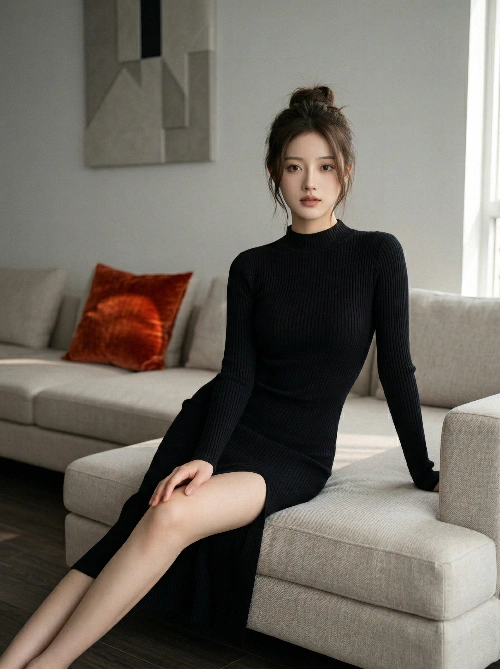
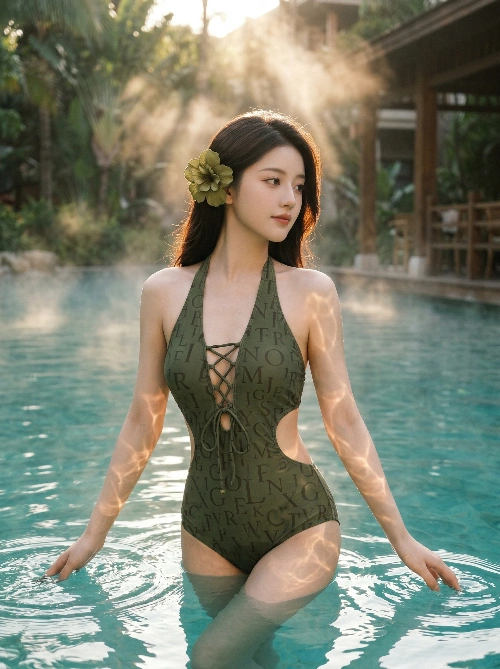
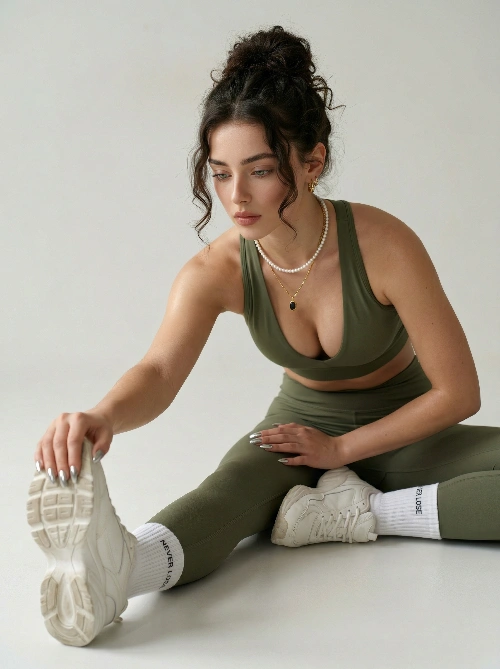
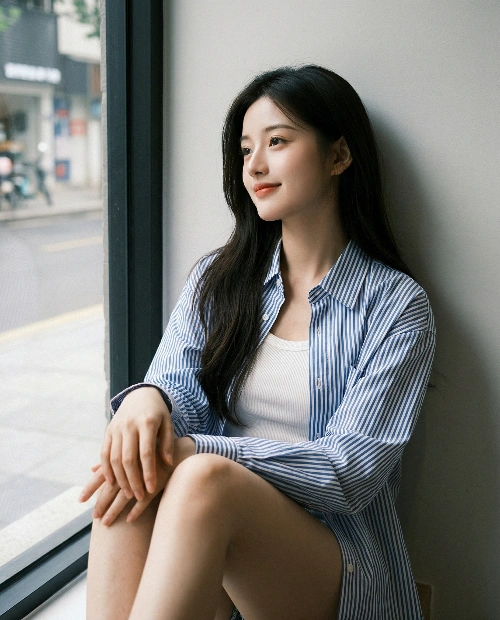
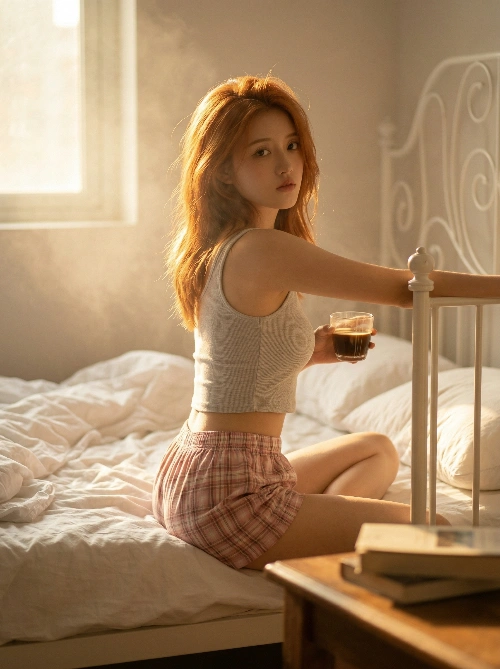
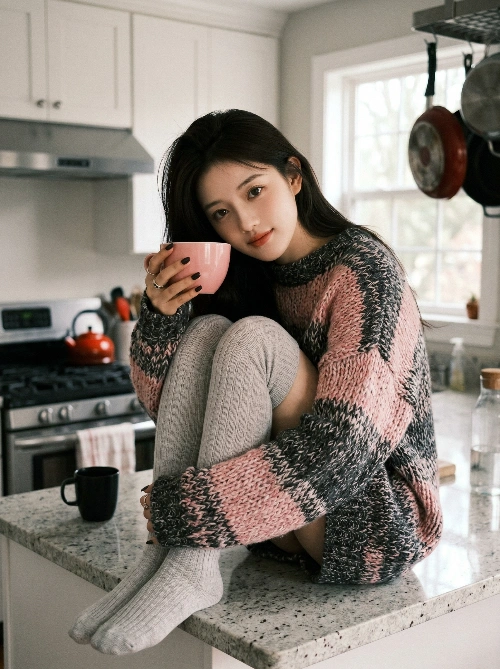
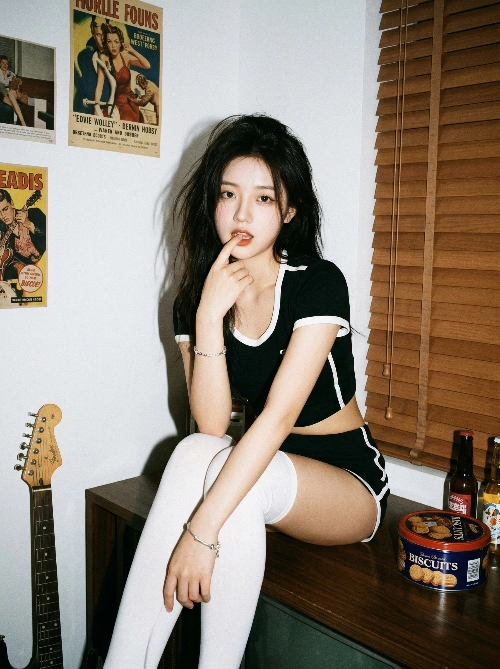
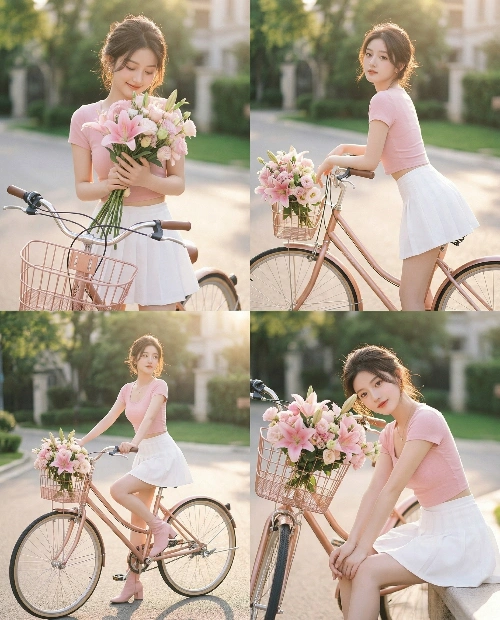
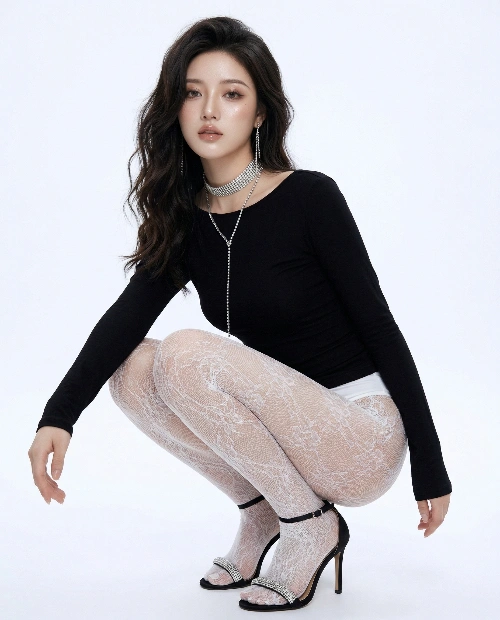
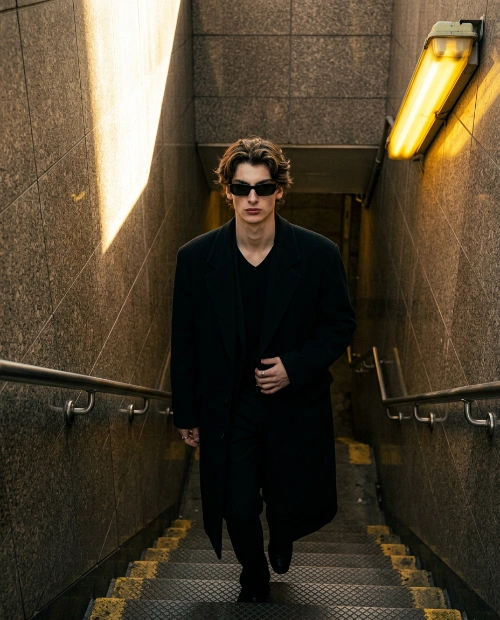
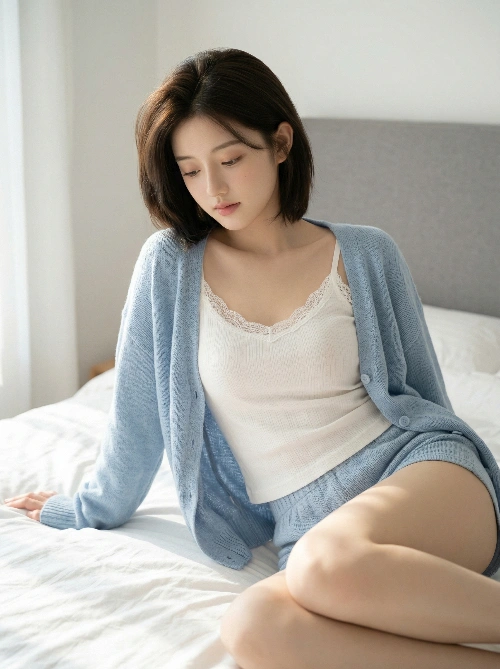
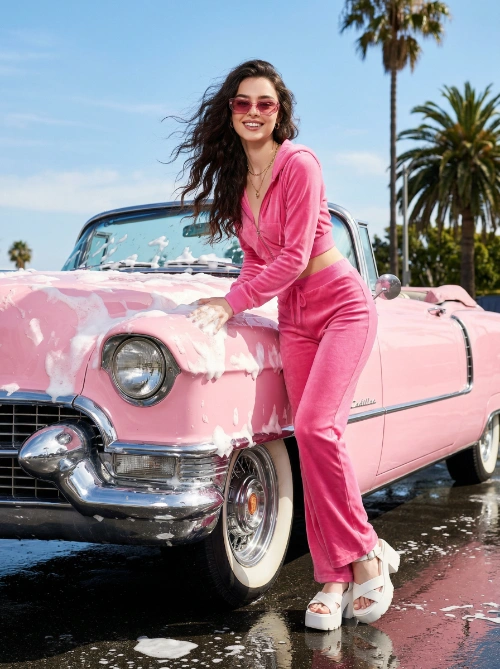
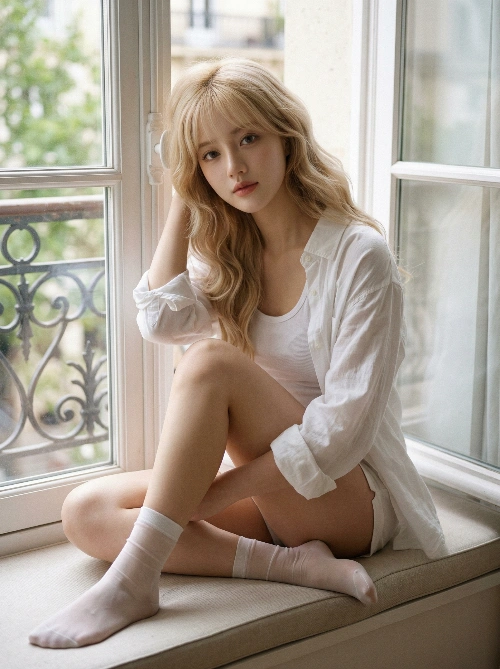
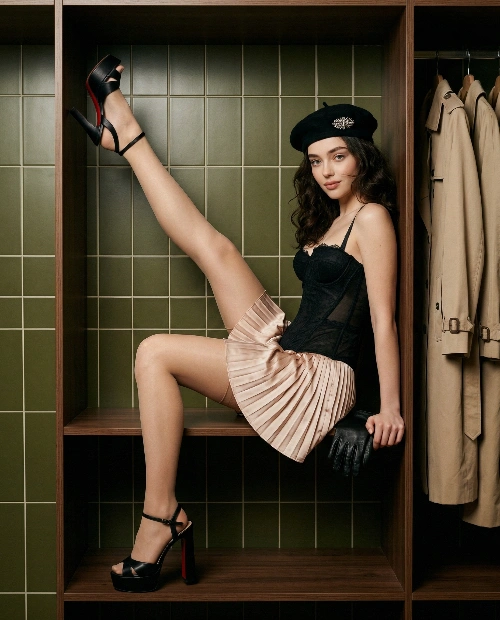
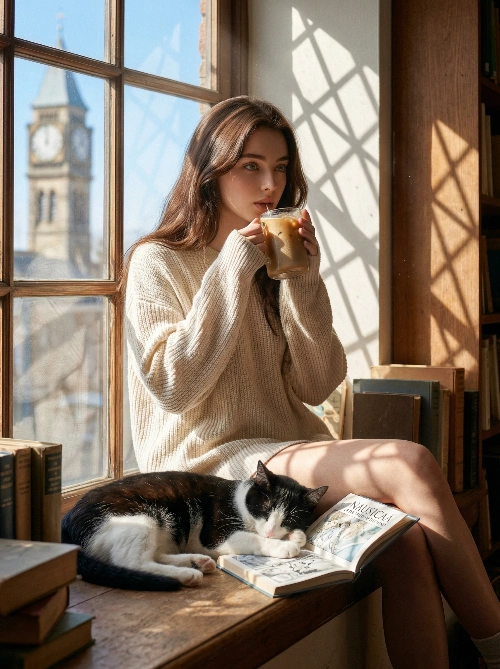
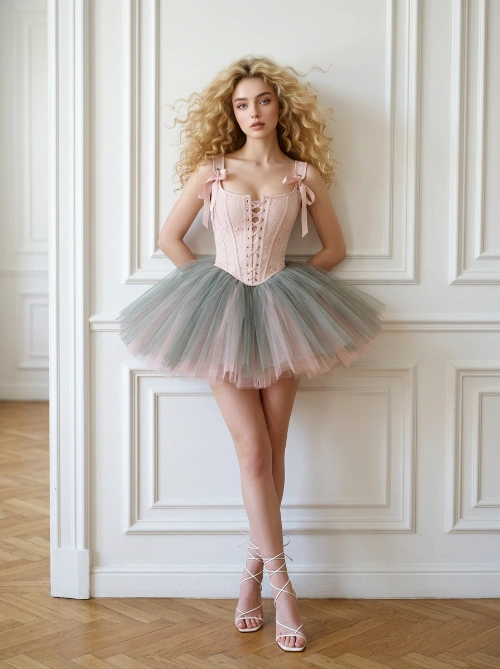
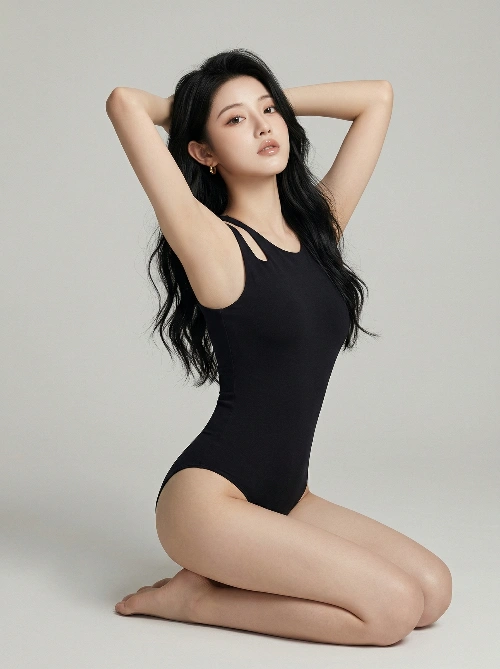
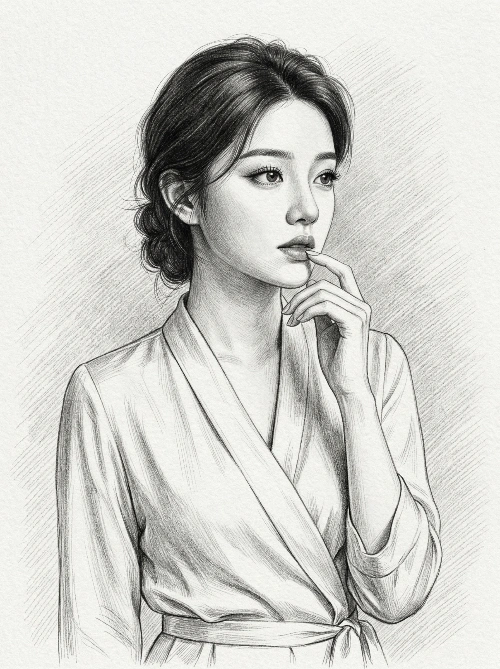
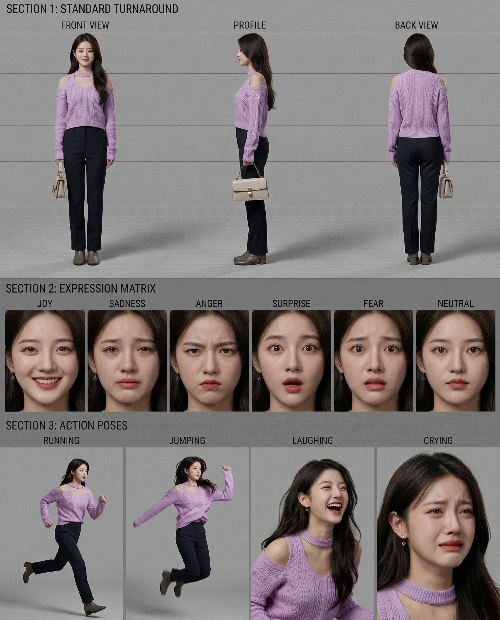
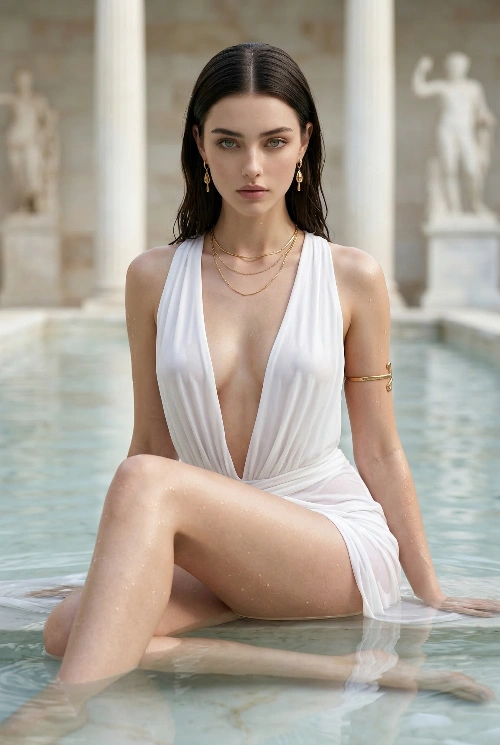
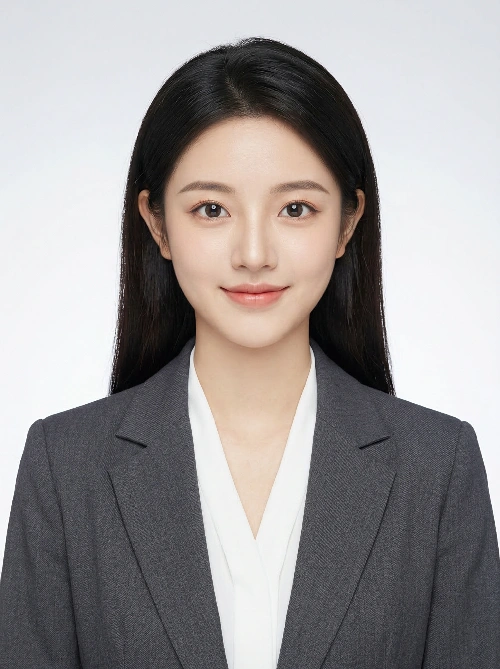
Lifestyle portraits, fashion close-ups, creator headshots, and cinematic character framing.
Studio shots, premium ad mockups, splash scenes, packaging visuals, and ecommerce hero images.
Brand marks, identity explorations, minimalist symbols, and presentation-ready concept boards.
Campaign art, event posters, dramatic key art, and narrative compositions with title-safe framing.
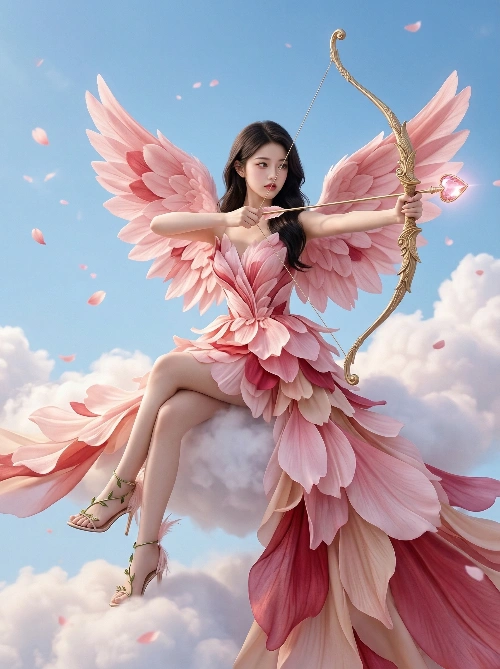
Story-driven compositions with environment, lighting, atmosphere, and strong emotional direction.
Launch graphics, creator visuals, thumbnail-friendly compositions, and feed-ready branded artwork.
Start with curated GPT Image 2 prompts and find a better starting point for your next image.